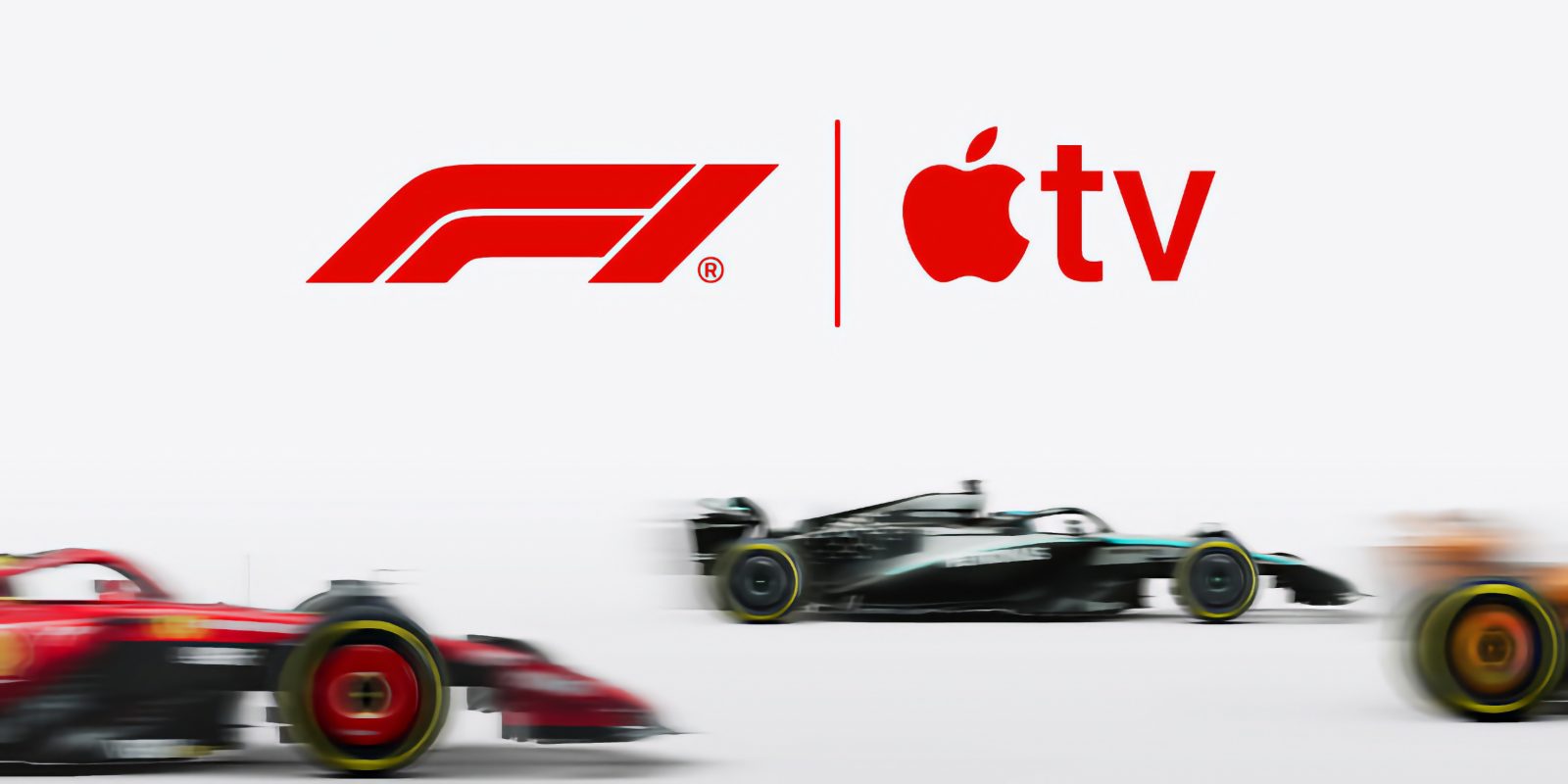
After a three-week break, Formula 1 racing returns this weekend with the pinnacle of motorsport landing in Montreal, Canada.
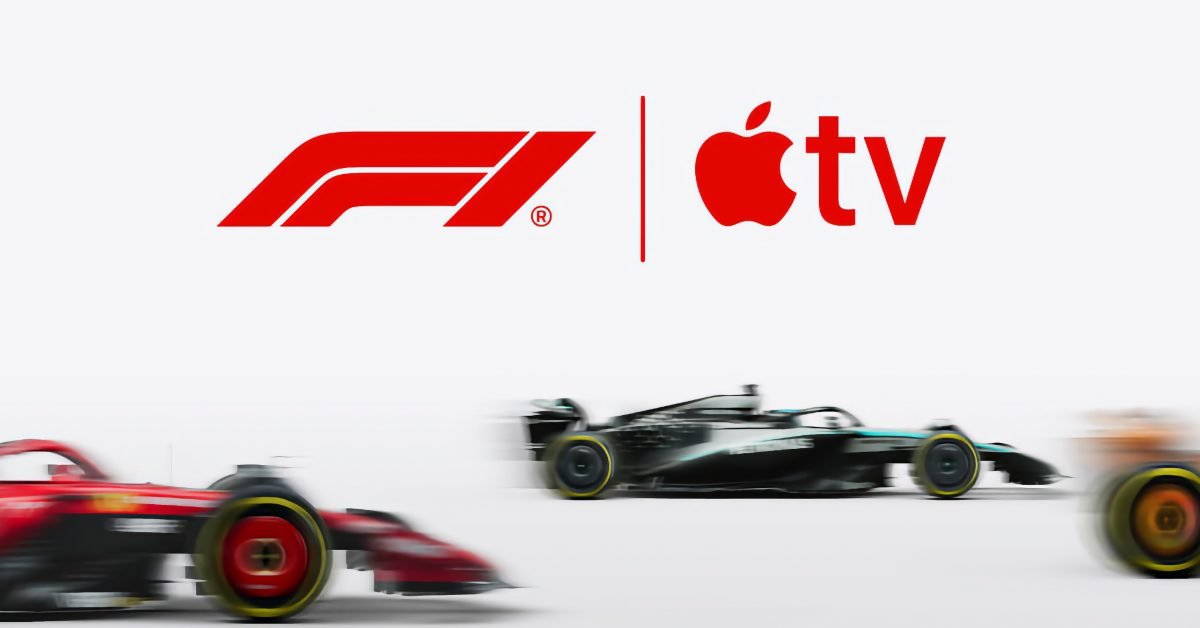
In the United States, Apple has exclusive streaming rights for all of F1, so you usually need an Apple TV subscription to watch. However, this weekend is out of the question as Apple has struck a special deal with Netflix which will also see the race broadcast on the rival streamer.
In a direct deal, Apple and Netflix have agreed to make the latest season of Drive to Survive available on Apple TV in the US. In exchange, Netflix acquired the rights to simulcast the Canadian race, the first time Netflix has shown the entire race live.
This means that both Apple TV and Netflix subscribers in the United States can tune in and watch all the action. The Canadian GP is a sprint weekend, meaning there’s even more racing than usual, with competitive practice sessions spanning Friday, Saturday and Sunday. The schedule is as follows:
- Free practice: Friday, May 22, 12:00 PM ET
- Sprint Qualifying: Friday, May 22, 4:00 PM ET
- Sprint: Saturday, May 23, 11 a.m. ET
- Qualifying: Saturday, May 23, 3:00 PM ET
- Race: Sunday, May 24, 3:00 PM ET
Training sessions can be watched for free on Apple TV. Qualifying, Sprint and Race require subscription. F1 Canadian GP coverage on Netflix is available to watch on any plan for US members.
How to watch F1 on Apple TV
You can watch F1 on Apple TV with an Apple TV subscription; new brands can get a seven-day free trial here. There is no extra charge to watch F1 beyond the standard $12.99/month Apple TV subscription.
You can get the Apple TV app on countless devices and platforms, including smart TVs, Amazon Fire Stick, Roku, PlayStation, Xbox, and more. There’s an Android app and a web experience at tv.apple.com that you can also watch in a web browser.
Apple streams F1 in 4K HDR video quality with surround sound, offering a great visual and audio experience.
There’s a dedicated Formula 1 tab inside the Apple TV app, so it’s very easy to find. However, note that it is only available to US subscribers. And Apple hosts on-demand playback, so you don’t have to watch live.
However, the best way to watch live is with an Apple TV 4K set-top box or on an iPad. On an Apple TV box or iPad, you can watch with Multiview, which means viewing multiple angles at once when the race is live. You can watch dash cams from your favorite drivers or teams and get a split screen of the main races and podium battles.
For even more functionality, you can also link your Apple TV subscription to your F1.TV account and access F1 through the F1.TV app. This is for die-hard fans who need even more options to view stats or other content that Apple doesn’t show directly through the TV app.
Apple is also expanding the F1 experience beyond just video streams. You can listen to radio broadcasts through Apple Music Radio or watch live times in the Apple Sports app, all for free.


FTC: We use automatic income earning affiliate links. More.
About The Author